Our own product
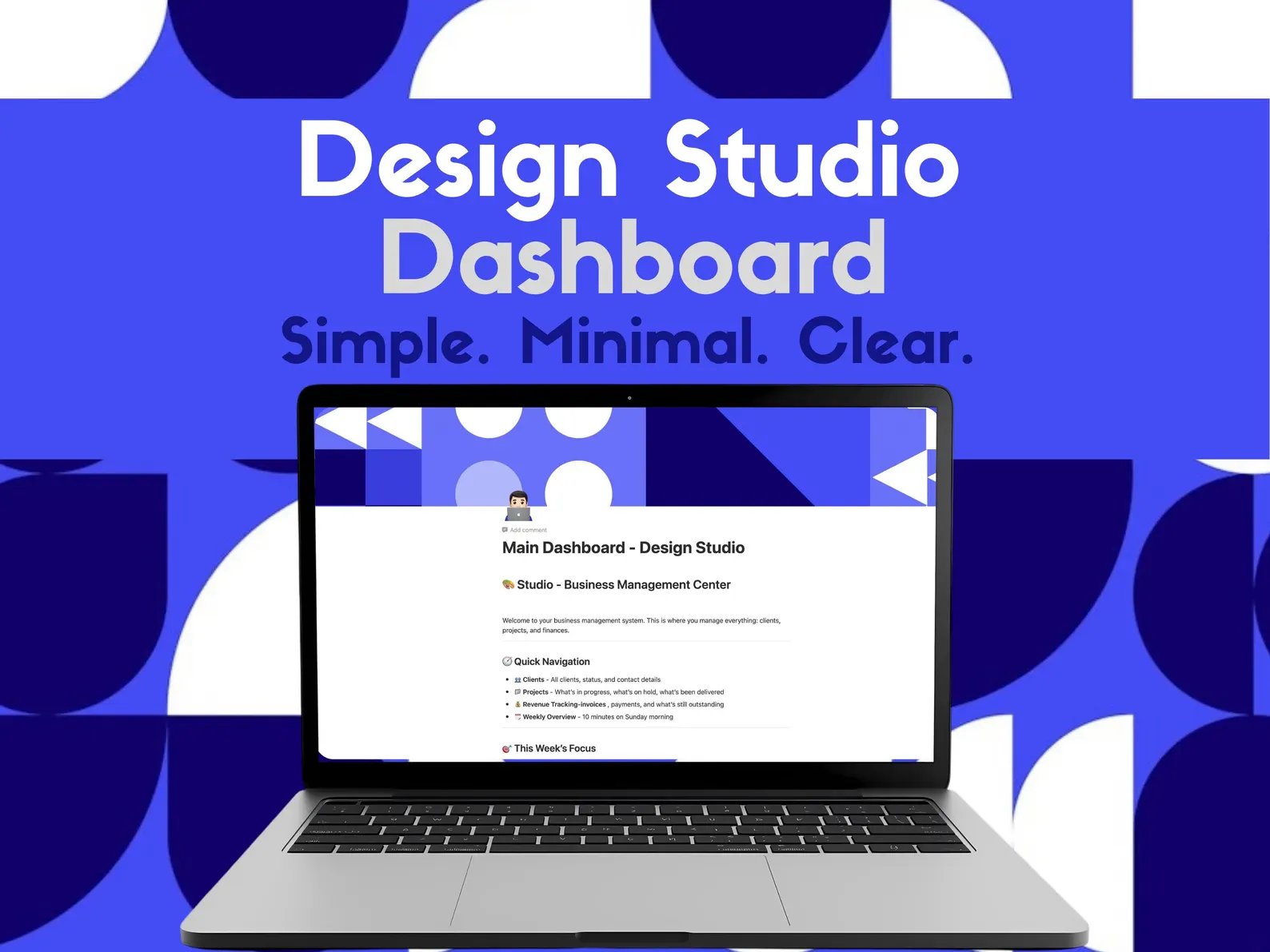
Clients, projects, income and expenses in one simple Notion system, built by a freelance designer for freelance designers.
$19 one-time, no subscription
Get it on Gumroad → Also available on EtsyDigital product. On Gumroad you get the template link right after purchase.
Simple on purpose
Most Notion business systems are built for teams: sales pipelines, a dozen linked screens, and an afternoon of setup before you can use them. This one is built for a one-person design studio. It is minimal, clear at first glance, and ready to use the moment you duplicate it.
What's inside
- Main Dashboard: your business at a glance, with quick links to everything.
- Clients: every client, their status and contact details, with revenue totals that add up automatically.
- Projects: a Kanban board of what's in progress, on hold and delivered, linked to each client.
- Revenue tracking: invoices, payments and what is still outstanding, so you always know who owes you.
- Expenses: subscriptions, platform fees and licences, the costs most trackers forget.
- Digital products: for designers who also sell templates or assets.
- Weekly Overview: a 10-minute Sunday review to plan the week ahead.
- This Week's Focus: your priorities, always visible.
Useful details for design work are built in, like revision rounds, deposit percentage, usage rights and where each client came from.
How it works
- Buy on Gumroad or Etsy.
- Open the link and click Duplicate to copy the whole system into your own Notion workspace.
- Add your clients and projects. Everything is already connected, with no settings to configure.
You need a Notion account. It works on desktop, tablet and mobile.
The story behind it
I built this after realising that my design business lived in six different places at once. Read the full story on Medium →